
What Is John the Ripper and How It Works with Examples
John the Ripper (JtR) is an open source password security auditing and password recovery tool. It is widely used by cybersecurity professionals, penetration testers, and system administrators to test whether password hashes are vulnerable to guessing attacks.
In this article, you’ll learn what JohnTheRipper is, how it works, common attack methods, useful commands, and a example in an authorized lab environment.
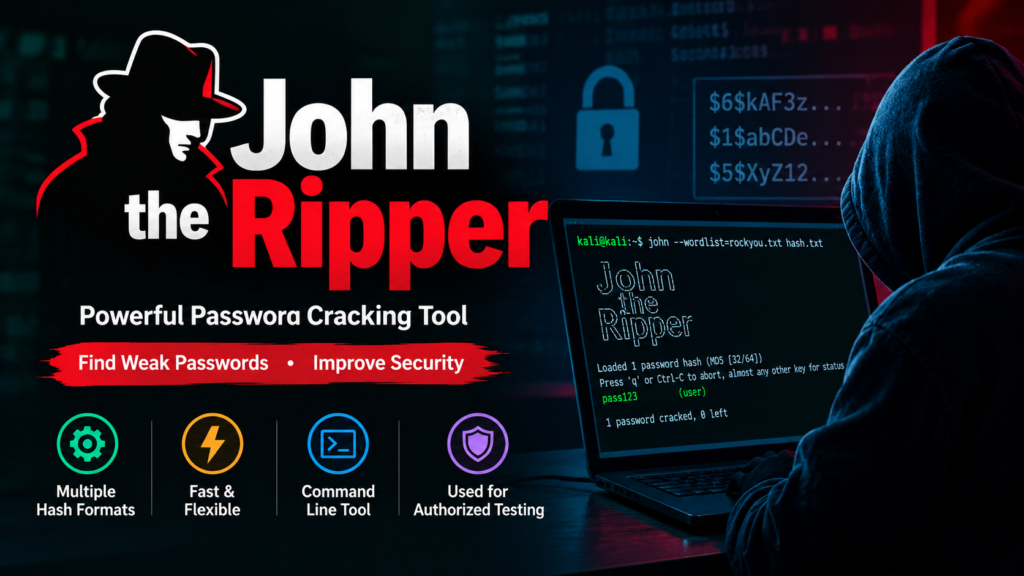
Table of Contents
What Is John the Ripper?
John the Ripper is a password cracking and security auditing tool originally designed for Unix based systems. It can identify weak passwords by attempting to recover the plaintext password from a password hash.
A password is normally not stored directly. Instead, systems generally store a hash derived from the password.
For example:
Password:
MySecret123
Hash:
[example password hash]
John the Ripper tries different candidate passwords, hashes each candidate using the appropriate algorithm, and compares the result with the target hash.
If there is a match, the candidate password has been recovered.
Important: Only use John the Ripper against passwords, hashes, or systems that you own or have explicit permission to test.
How Does John the Ripper Work?
The basic process can be understood in four steps:
Password Hash
↓
JohnTheRipper
↓
Password Candidates
↓
Hash Comparison
↓
Matching Password
John can use different strategies to generate password candidates.
1. Dictionary Attack
John uses a wordlist containing possible passwords.
For example:
password
admin
qwerty
welcome
admin123
It hashes the candidates and compares them with the target hash.
2. BruteForce / Incremental Attack
John generates password combinations according to its configured rules.
For example:
aaa
aab
aac
…
This can become computationally expensive as password length and character complexity increase.
3. Rule Based Attack
Rules modify words from a dictionary.
For example:
password
Password
password1
Password123
p@ssword
This approach can be useful because people often create predictable variations of familiar words.
John the Ripper Features
Some important capabilities include:
- Password hash auditing
- Dictionary based password testing
- Incremental password attacks
- Rule based candidate generation
- Multiple hash formats
- Wordlist support
- Session management
- Password strength auditing
- Support for many Unix and Windows related password formats
The exact formats supported depend on the JohnTheRipper version and build.
Installing John the Ripper
The official John the Ripper download page is:
🔗 Openwall – John the Ripper:
https://www.openwall.com/john/
On Debian/Ubuntu based Linux distributions, you can commonly install it with:
sudo apt update
sudo apt install john
Then verify the installation:
john –version
You can also view the available options with:
john –help
On Kali Linux, John the Ripper is commonly available through the distribution’s package repositories.
Basic John the Ripper Syntax
A basic command looks like:
john hash.txt
Here, hash.txt contains a password hash that you are authorized to audit.
To use a specific wordlist:
john –wordlist=/path/to/wordlist.txt hash.txt
After an attempt, you can display recovered passwords with:
john –show hash.txt
Example: Auditing Employee Passwords
Imagine a company wants to perform an internal security audit.
The security team has authorization to test whether employee accounts are protected by sufficiently strong passwords.
During the audit, the team obtains a set of password hashes from a test system.
For example:
test-user:$6$example$…
The security team places the authorized test hashes into:
hashes.txt
They then run John against the file using an approved password dictionary:
john –wordlist=wordlist.txt hashes.txt
John tests candidate passwords against the hashes.
If a weak password is discovered, the team can use the result to demonstrate the security risk.
For example:
Recovered password: Summer2024!
The organization can then require the test account to use a stronger password and improve its password policy.
What does this demonstrate?
The important lesson isn’t the recovered password itself. It is that predictable passwords can sometimes be discovered from password hashes through offline guessing.
This is why organizations should use:
- Long, unique passwords
- Password managers
- Multi factor authentication
- Strong password policies
- Secure password hashing algorithms
- Appropriate password hash configuration
John the Ripper vs Password Hashing
John does not normally “decrypt” a password hashing.
Hash functions are designed to be one way transformations.
Instead, John generally performs a process similar to:
Candidate Password
↓
Hash Function
↓
Calculated Hash
↓
Compare
↓
Target Hash
If the calculated hash matches the target hash, the candidate password is known to produce that hash.
This distinction is important when learning cybersecurity.
Why Weak Passwords Are a Security Risk
Consider two passwords:
Password123
and
a long unique random passphrase
The first follows a common pattern and may be easier for password guessing tools to identify.
The second is substantially harder to guess, particularly when it is unique and generated using a password manager.
Password strength is not simply about adding one uppercase letter or replacing a with @. Length, uniqueness, randomness, and resistance to common guessing patterns all matter.
John the Ripper in Cybersecurity
John the Ripper can be useful during authorized:
Penetration Testing
Security professionals can test whether stolen or exposed password hashes could be recovered.
Security Audits
Organizations can identify weak passwords in controlled environments.
Digital Forensics
Investigators may use password recovery techniques when legally authorized to access protected data.
Security Training
Students can use John in isolated labs to understand password hashing and password security.
John the Ripper and Ethical Hacking
John the Ripper is a dual use cybersecurity tool.
Using it against your own laboratory environment can be an effective way to learn about password security.
However, attempting to recover passwords from systems or accounts without authorization can violate laws, policies, or organizational rules.
A safe learning environment could look like:
Your Linux VM
↓
Test Account
↓
Test Password Hash
↓
John the Ripper
↓
Security Analysis
This allows you to learn the underlying concepts without targeting another person’s credentials.
Common John the Ripper Commands
| Command | Purpose |
| john hash.txt | Start a password audit |
| john –wordlist=wordlist.txt hash.txt | Use a specified wordlist |
| john –show hash.txt | Display recovered passwords |
| john –status | Display the status of a running session |
| john –help | Display available options |
| john –list=formats | List supported hash formats |
Available commands and options can vary by John the Ripper version.
How to Protect Against Password Cracking
Organizations can reduce password cracking risks by implementing several controls.
1. Use Strong Passwords
Encourage long, unique passwords instead of predictable patterns.
2. Use Password Managers
Password managers can generate and store unique passwords.
3. Enable MFA
Multi factor authentication provides an additional security layer if a password is compromised.
4. Use Secure Password Hashing
Applications should use password specific password hashing mechanisms such as Argon2id, bcrypt, or scrypt, where appropriate, rather than storing plaintext passwords or using unsuitable fast hashes.
5. Protect Password Databases
Even strong password hashing should be combined with proper access controls and protection of authentication databases.
6. Monitor Authentication Security
Organizations should monitor suspicious authentication activity and investigate potential credential compromises.
Conclusion
John the Ripper is an important cybersecurity tool for understanding password security and auditing password hashes. It supports techniques such as dictionary based and rule based password testing and can help security professionals identify weak authentication practices.
A practical way to learn JohnTheRipper is to create a legal cybersecurity lab, generate test credentials, obtain the corresponding test hashes, and perform controlled password strength experiments. This provides hands on experience while keeping the activity within an authorized environment.



sir next lecture…
Don’t worry Aj mil jy ga. thora busy ho gya tha es lye late ho gya